
How to Log In to the Child Care Finder Provider Portal
This is the first of five how-to guides, giving step by step instructions on how to use the Child Care Finder Provider Portal. The purpose of this guide is to support providers navigating their own access, and for use by others who are supporting providers with technical assistance.
This guide is meant to walk through the steps to logging in to the portal. For the next steps once you have successfully logged in, refer to the other guides.
Child Care Finder Provider Portal

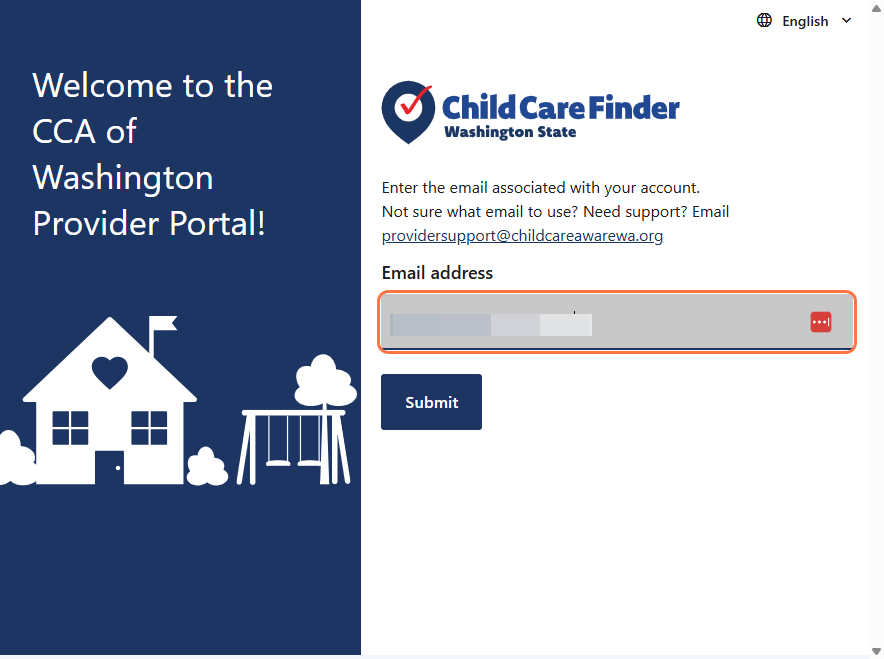
1. Type the Email address associated with your account. If you’re not sure what email to use, or need to change the email address to log in with, reach out to providersupport@childcareawarewa.org.
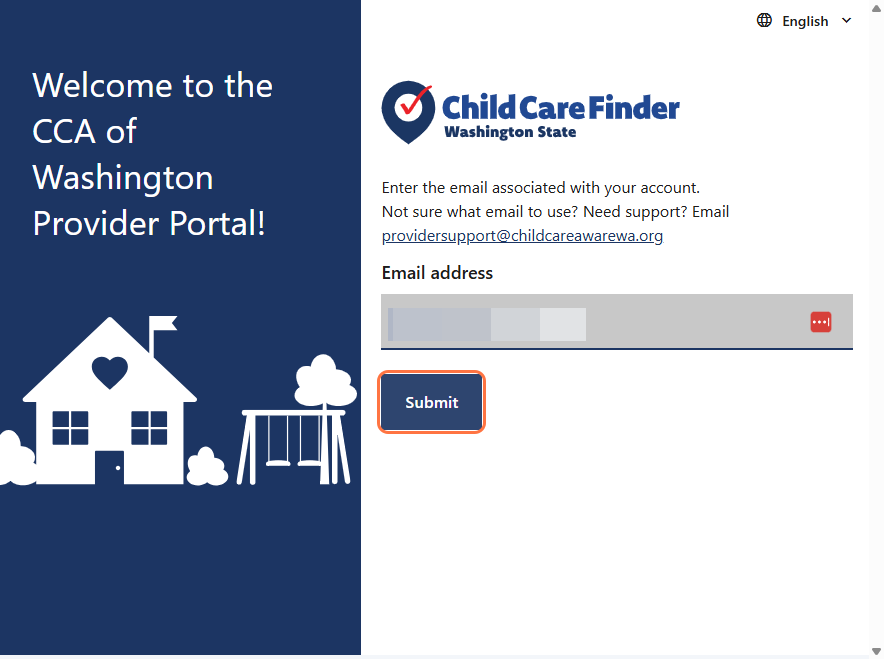
2. Click Submit.
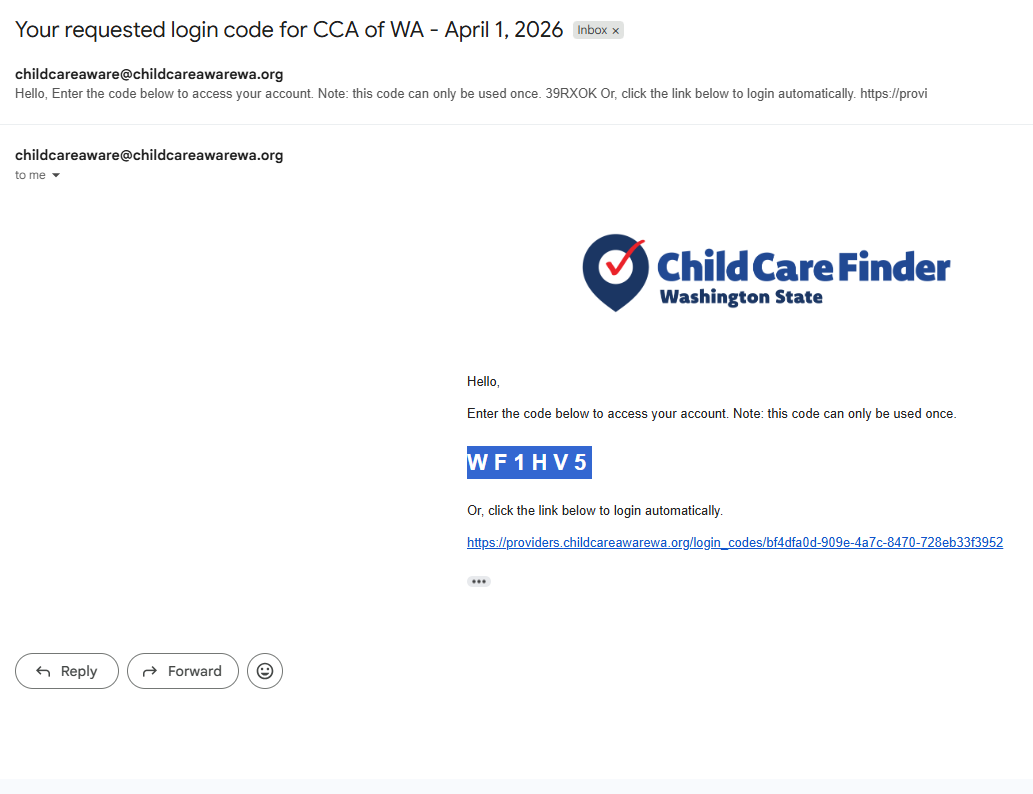
3. Check your email to get the verification code. Enter the code that was sent to your email address. Or, you can click the link in the email to log in.
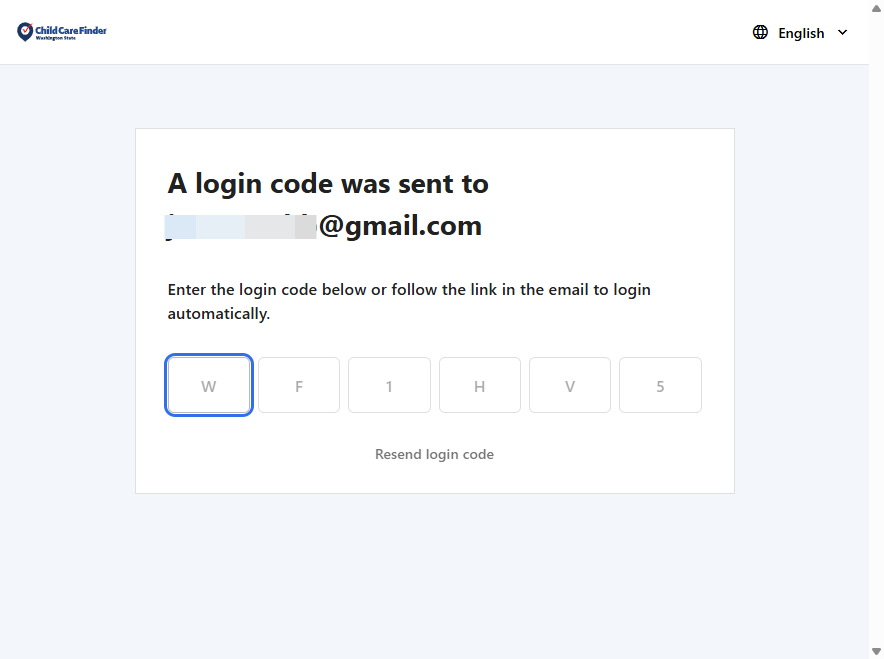
4. Copy the code from the email and paste it here, or type the code text into the space to log in.
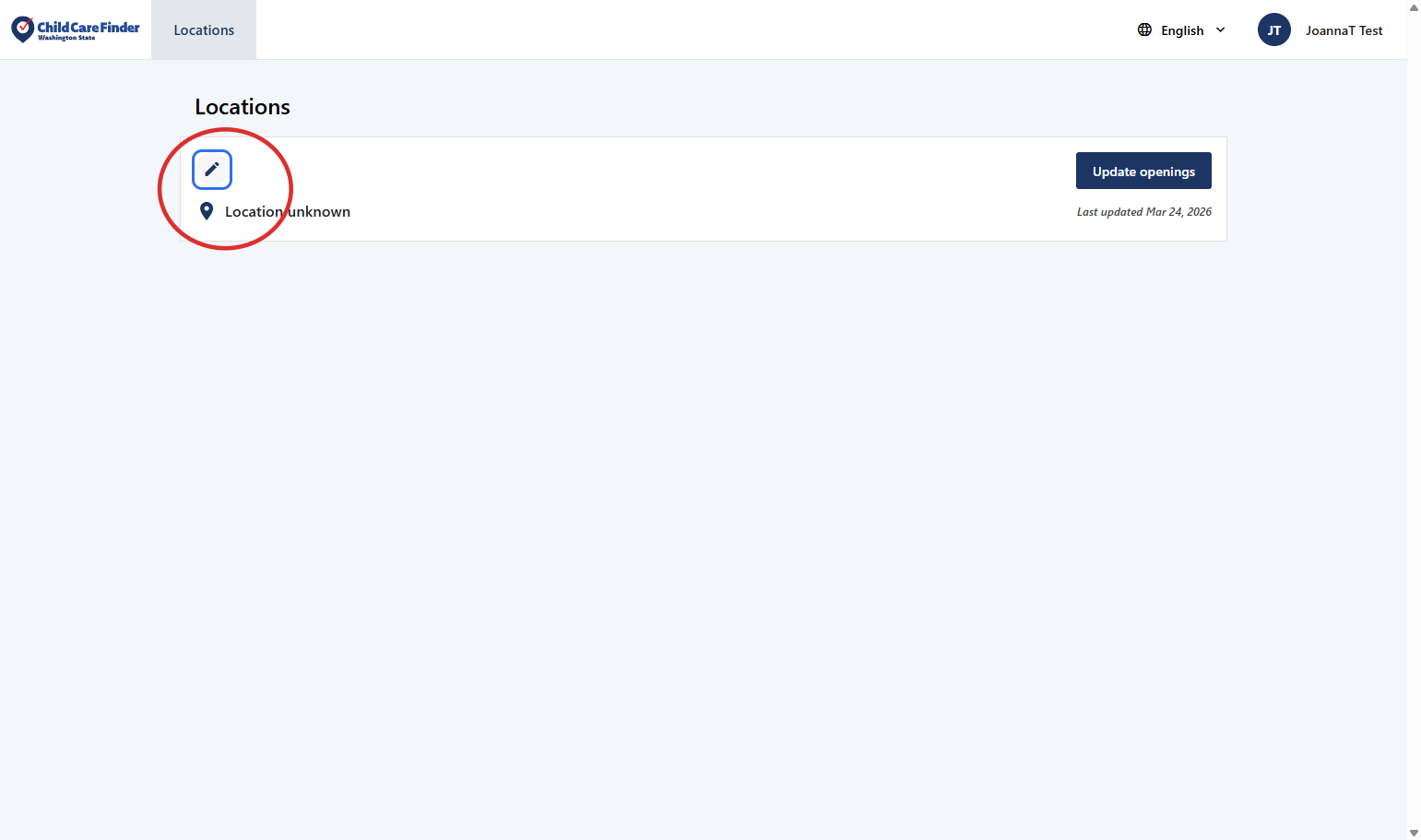
5. Click the pencil icon to view and edit the profile of this provider location.
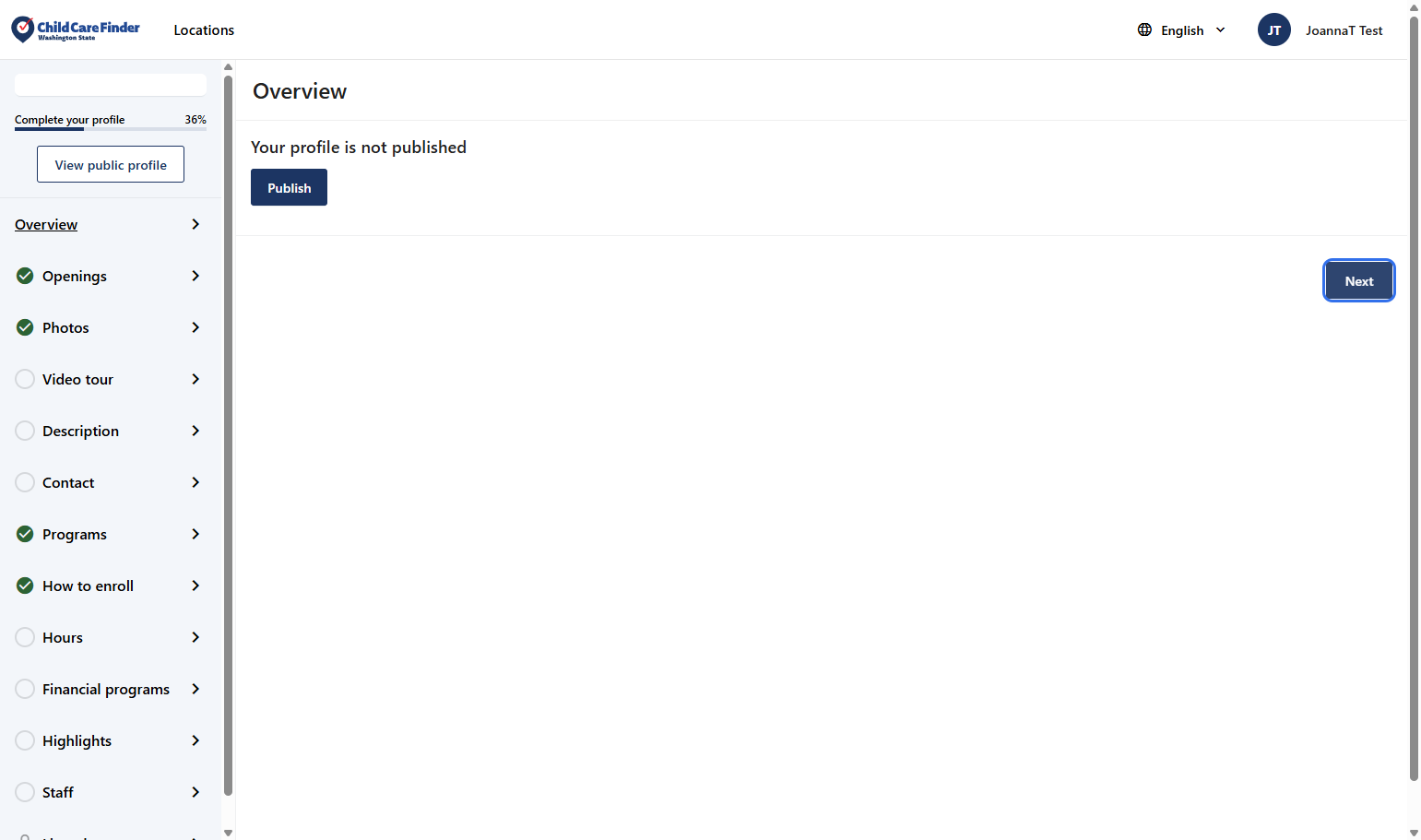
6. This is the profile overview page, which will show whether whether your program information is Published or Unpublished. To navigate through the profile, click Next, or you can click into each navigation tab on the left side of the screen.
Privacy Policy
Your privacy and security matter to us. Child Care Aware of Washington only shares your information if you choose to opt in, so families may learn about your services. Your profile will remain private until you opt in to being listed.